Display
What the frame shows, and how to change it. Open the admin page at
http://<host>.local:8080/admin and use the Display tab.
Modes
| Mode | What it shows |
|---|---|
| Collage (default) | Every bird heard in the lookback window, packed nicely together |
| Latest bird | The previous bird heard |
| Newest arrival | The most recent new bird heard |
Press A on the panel to step through the modes, or pick one in the admin page.
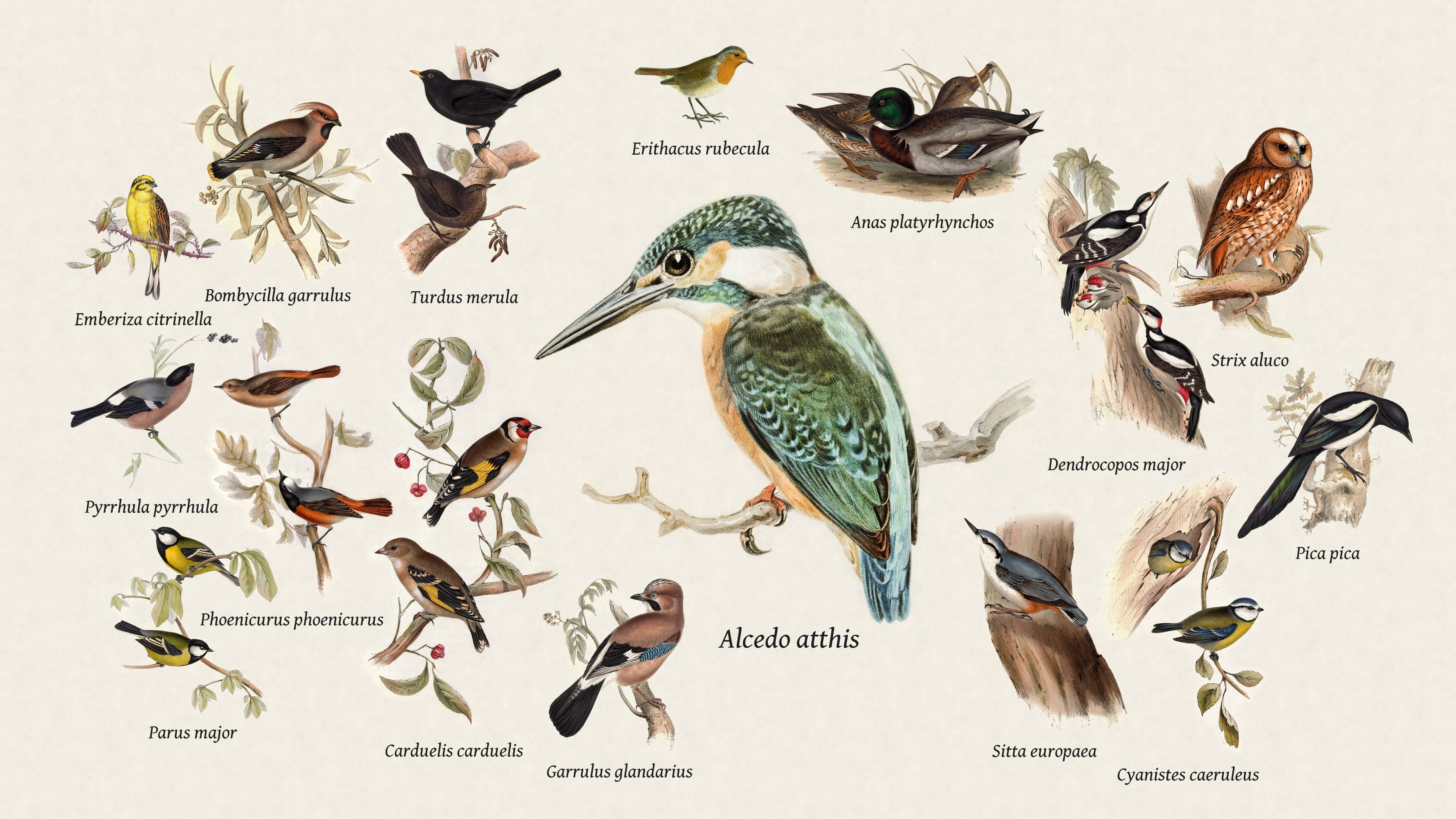
| Collage | Latest bird | Newest arrival |
|---|---|---|
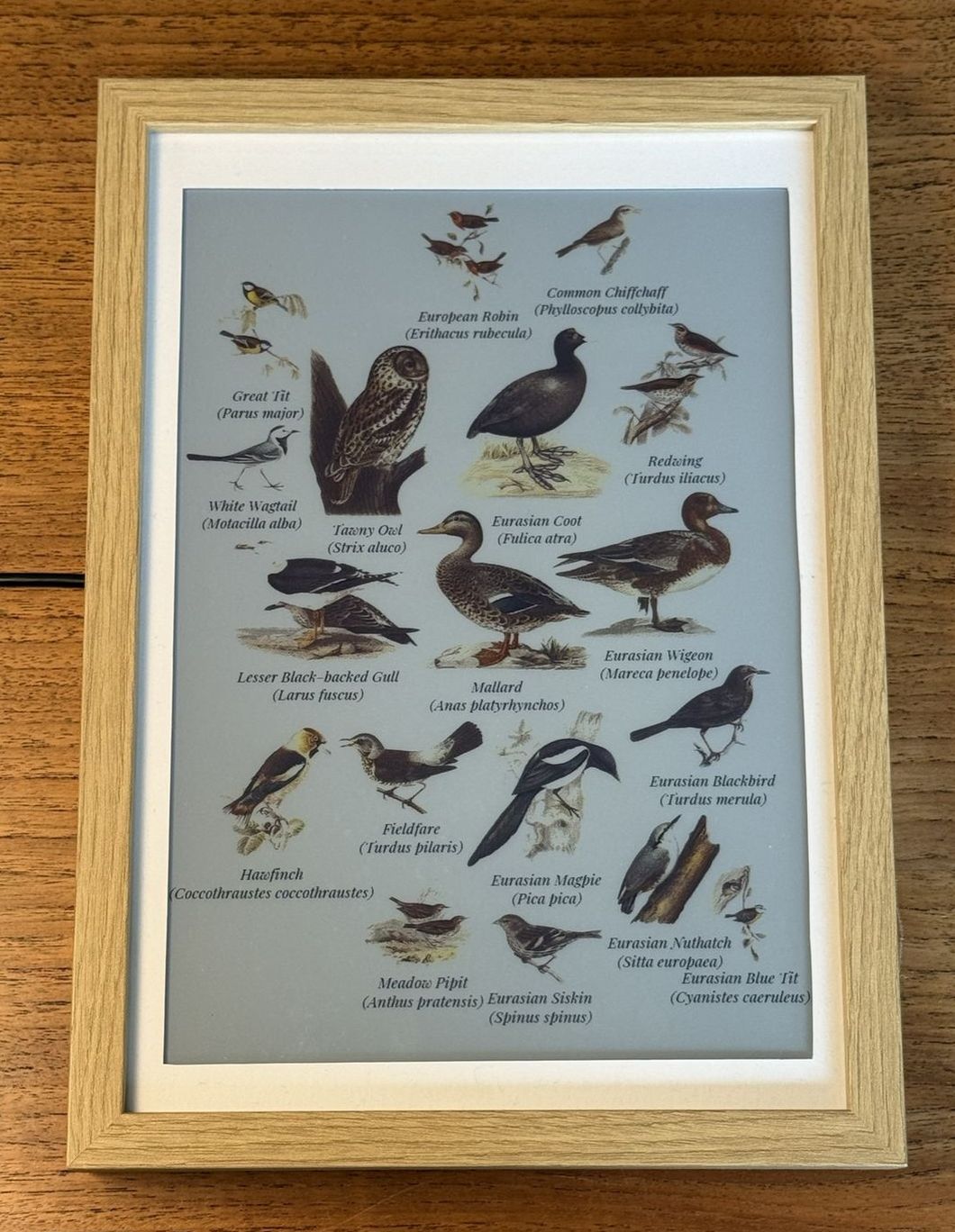 |
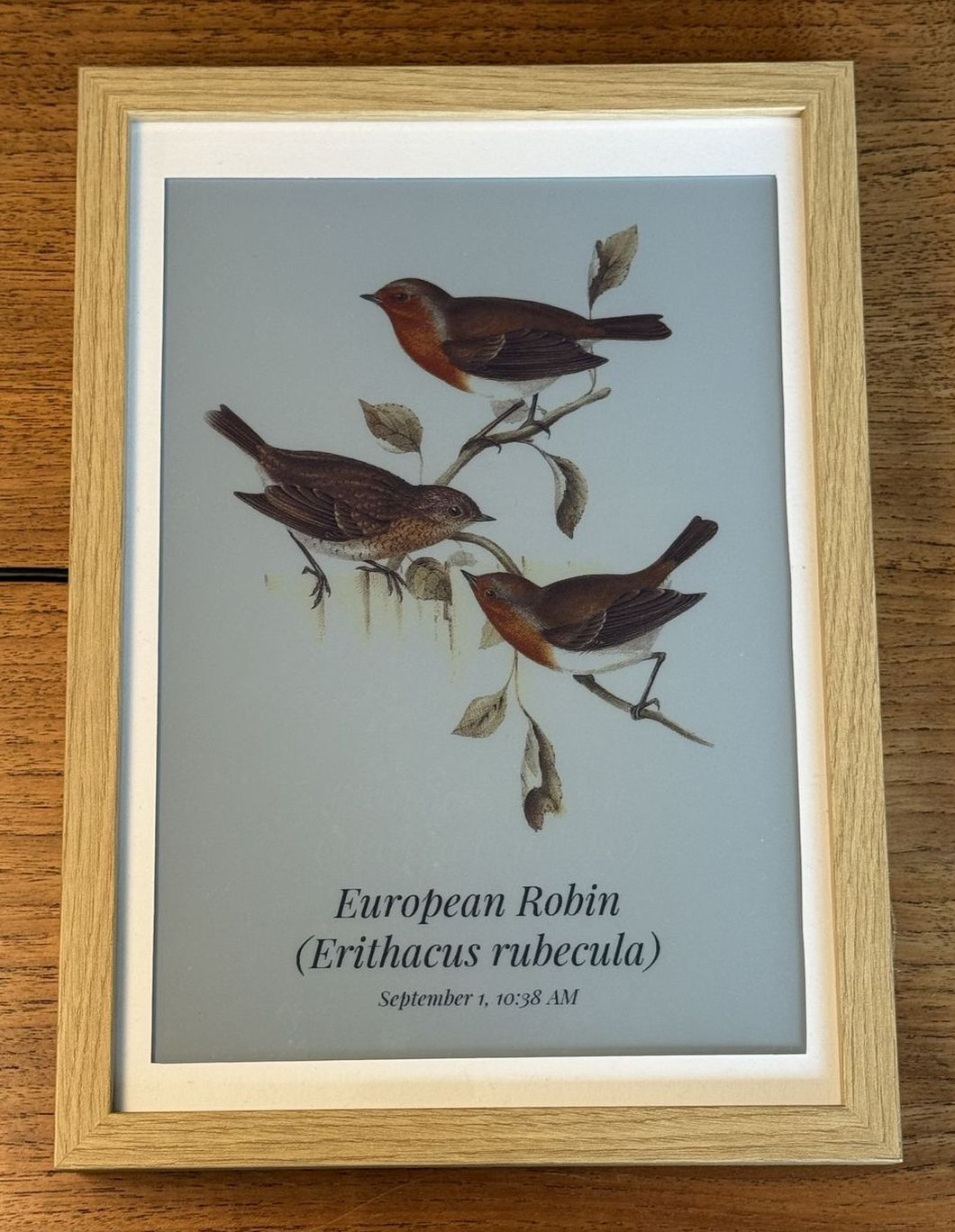 |
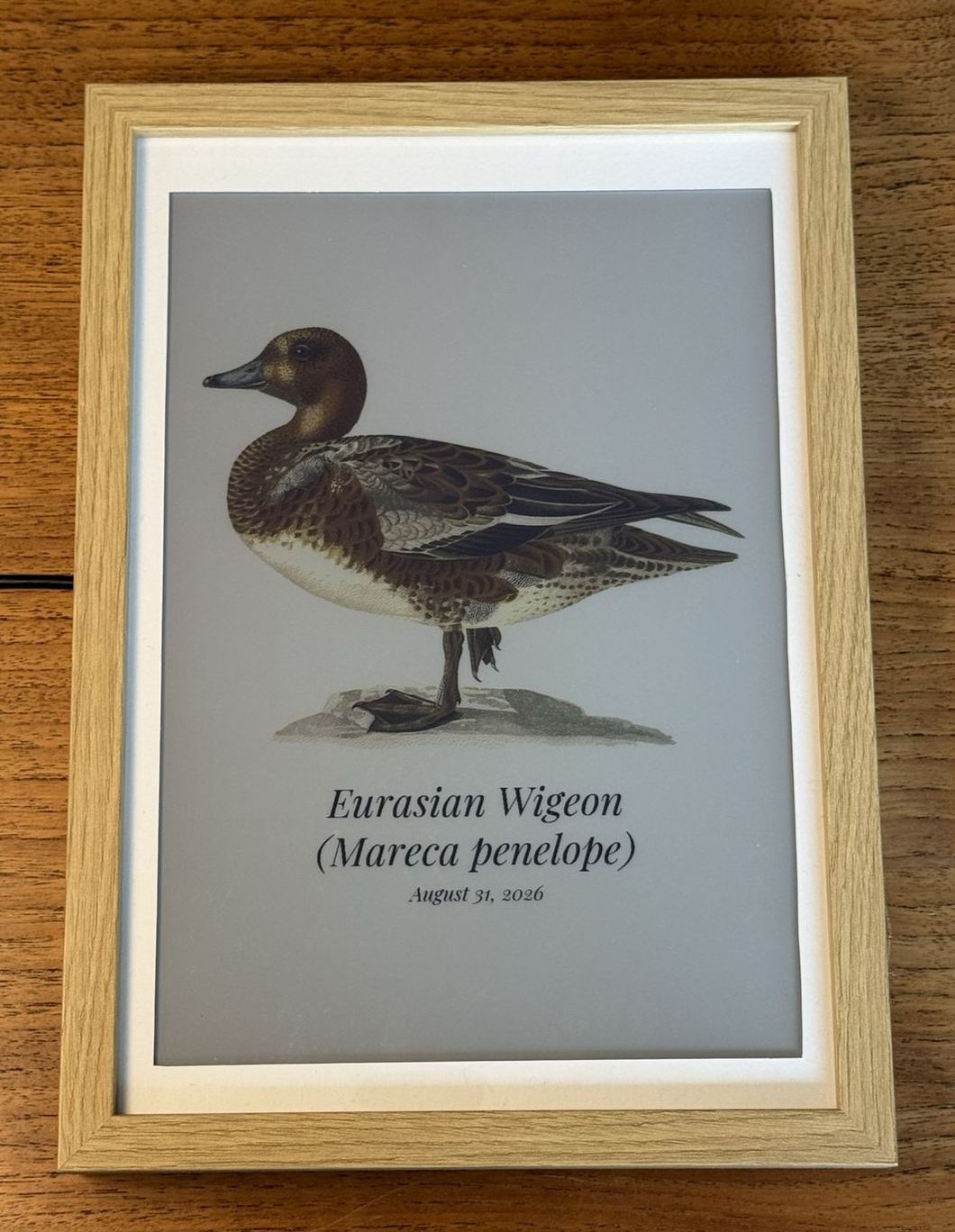 |
Newest arrival stays put until something new is heard, so it can sit on the same bird for weeks, but will update whenever a new species is observed.
Latest bird only changes when a different species is heard. The same bird calling again all afternoon leaves the page alone. (Like "Newest arrival" but with repeats.)
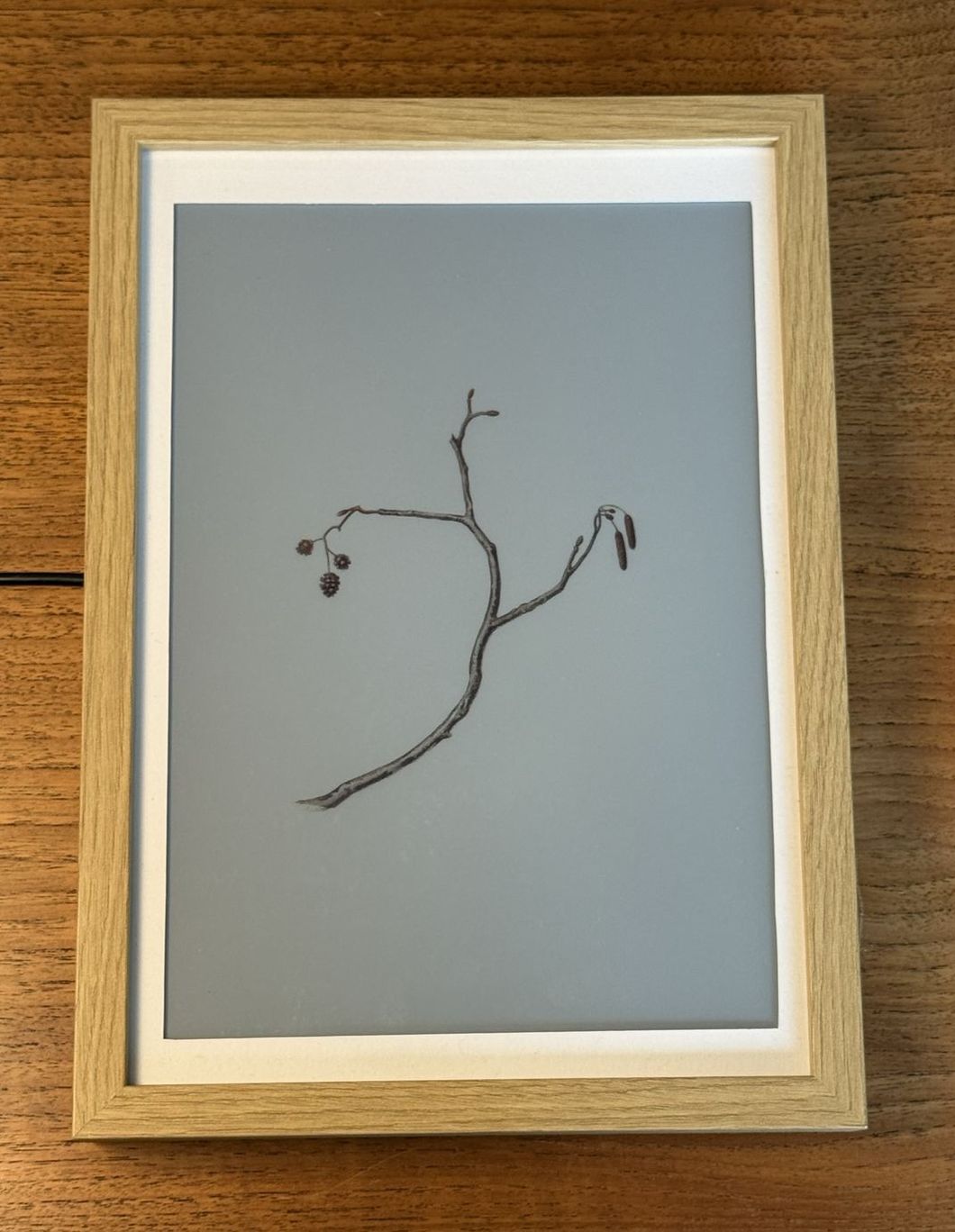
Heard nothing at all in the lookback window? The page draws a bare perch.
Settings
Lookback window (collage only)
How far back the collage looks, from the last 15 minutes to all time. Default is Today (24 hours).
All time never drops a species, so the page only grows.
Species on the page (collage only)
How many species the collage shows at once, and which it keeps when the window holds more than that. Default is At most 40.
A busy installation can hear over thirty species in a day, and thirty birds on one sheet become very small. Set a limit and pick which to keep:
| Which ones to keep | Good for |
|---|---|
| The most heard | Most detections within a window |
| The rarest in the window | Least detections within a window |
| The rarest all time | Least detections ever recorded |
| The latest heard | The species heard most recently |
Show all means all of them. A long lookback at a busy station is yours to bound - past forty or so the birds get small and the labels crowd (but at least you get a cool mosaic!).
Only birds, whatever the setting. BirdNET-Go's labels also cover frogs,
crickets and squirrels, and a bat model adds bats - the frame leaves all of it
out. They are still detected, and still on its own dashboard at :8090. The
log names each one the first time it is heard:
journalctl -u fugleramme-frame | grep "Not a bird"
Layout (collage only)
How the birds are arranged on the page. Default is Spiral.
| Layout | What it does |
|---|---|
| Spiral | Big birds in the middle, small ones around them |
| Voids | Birds spread out to fill the whole sheet, corners included |
Spotlight mode places the latest heard bird in the middle, with the rest packed around it. Default is off.
Labels
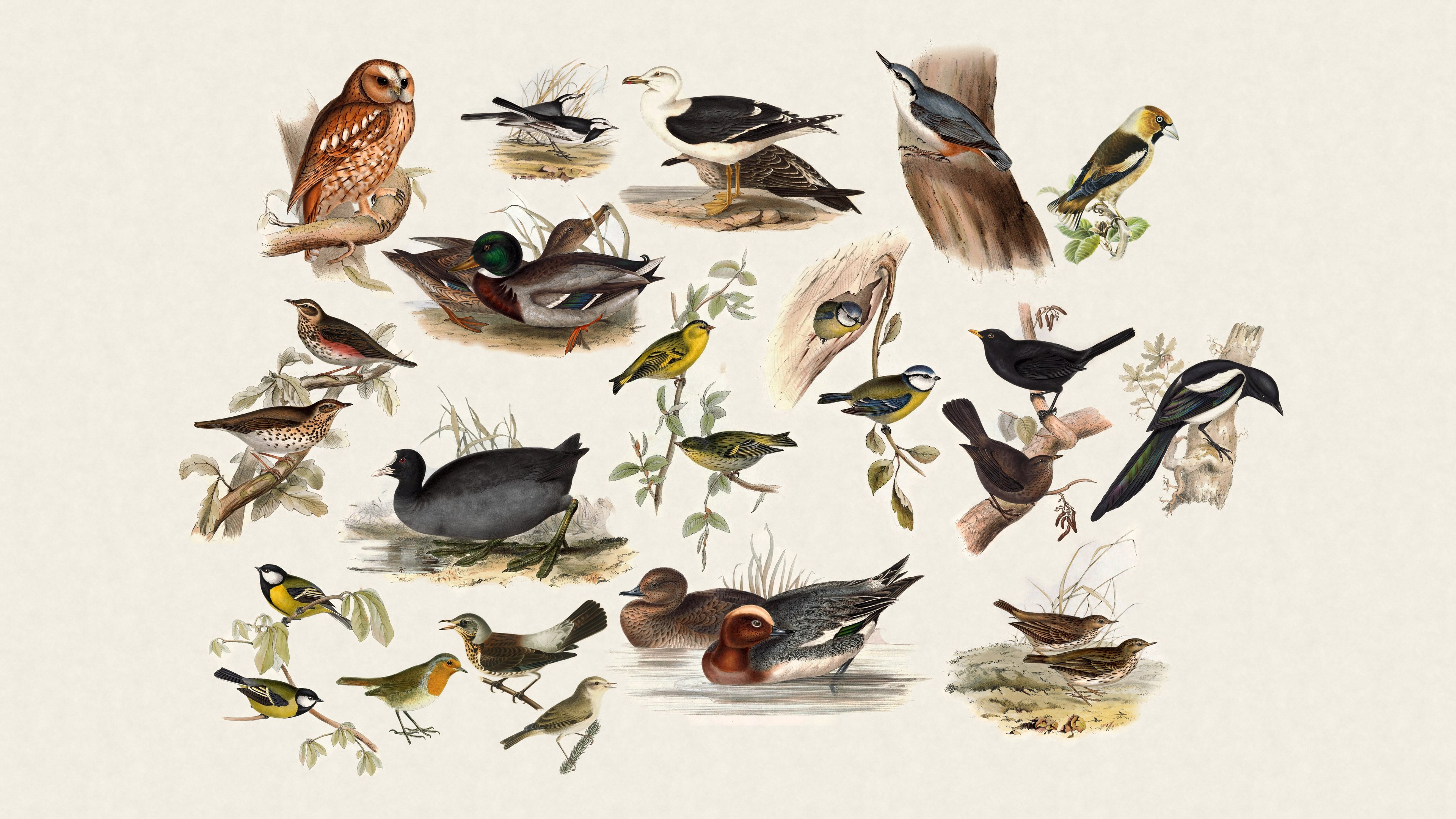
Show species names turns the labels on and off, same as B on the panel.
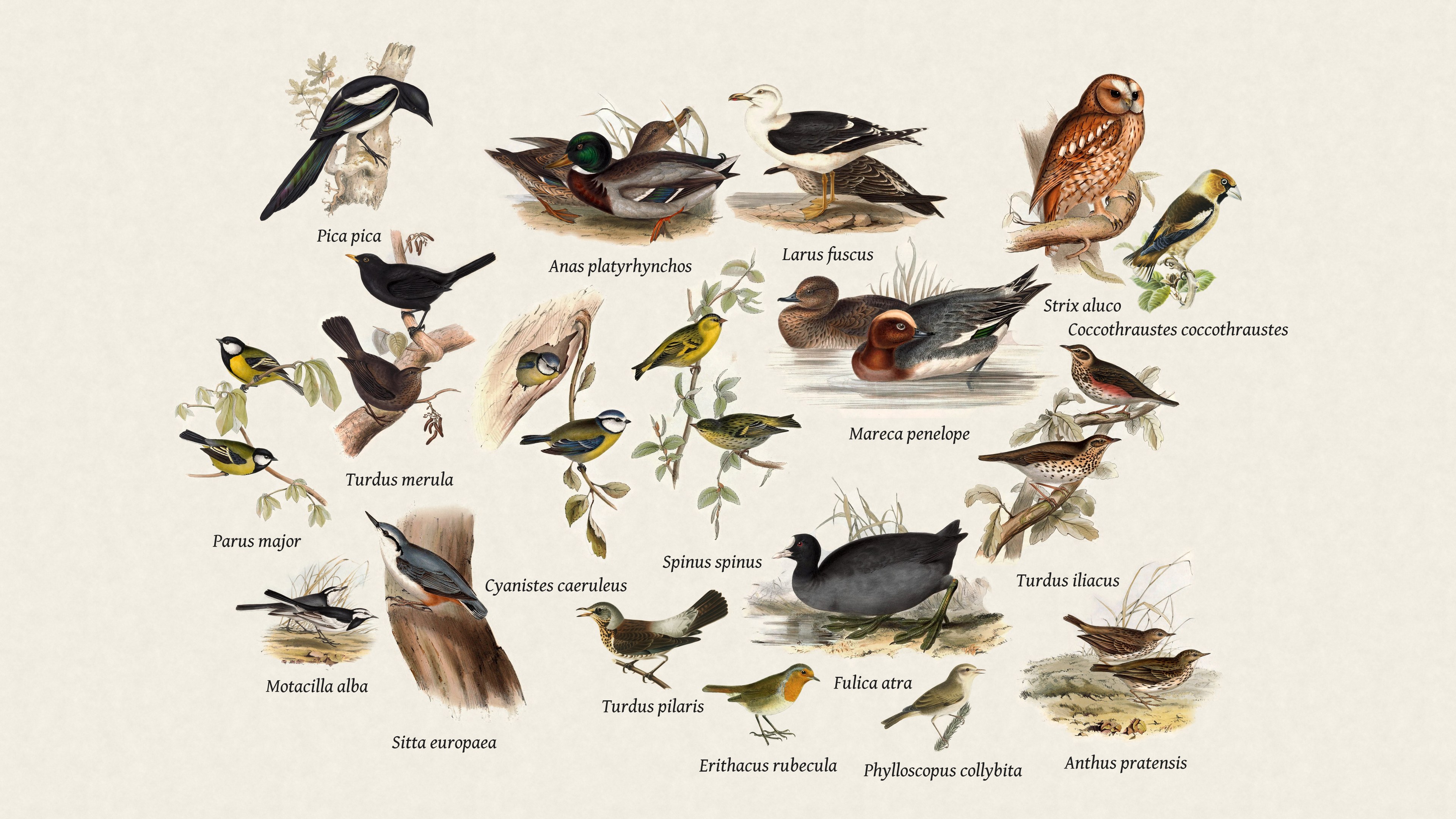
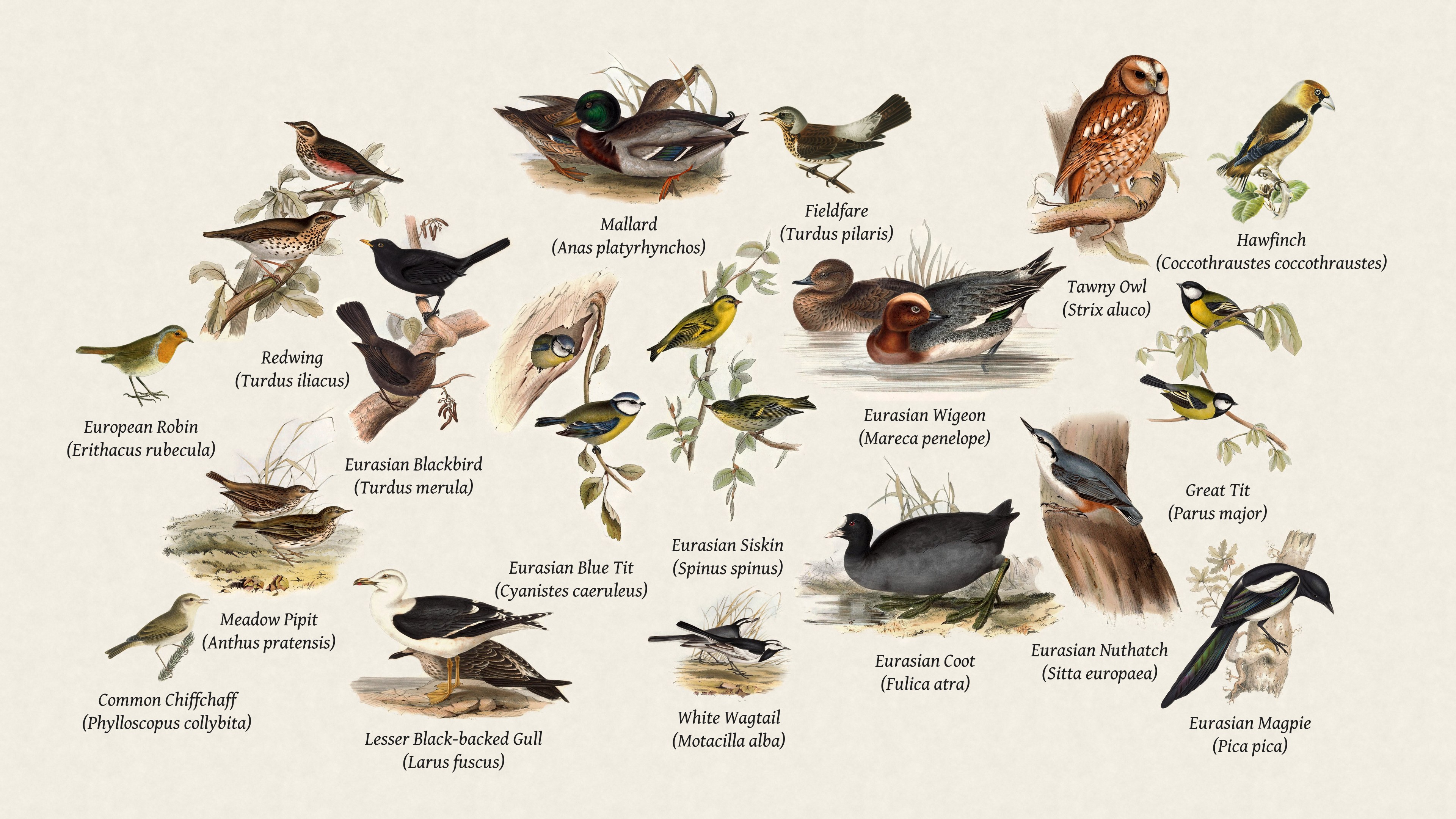
Names come from BirdNET-Go. Pick a primary language and optionally a second, which stacks underneath in parentheses. Which languages are supported, and how they are drawn, is in Languages.
Typeface and size apply to every label.
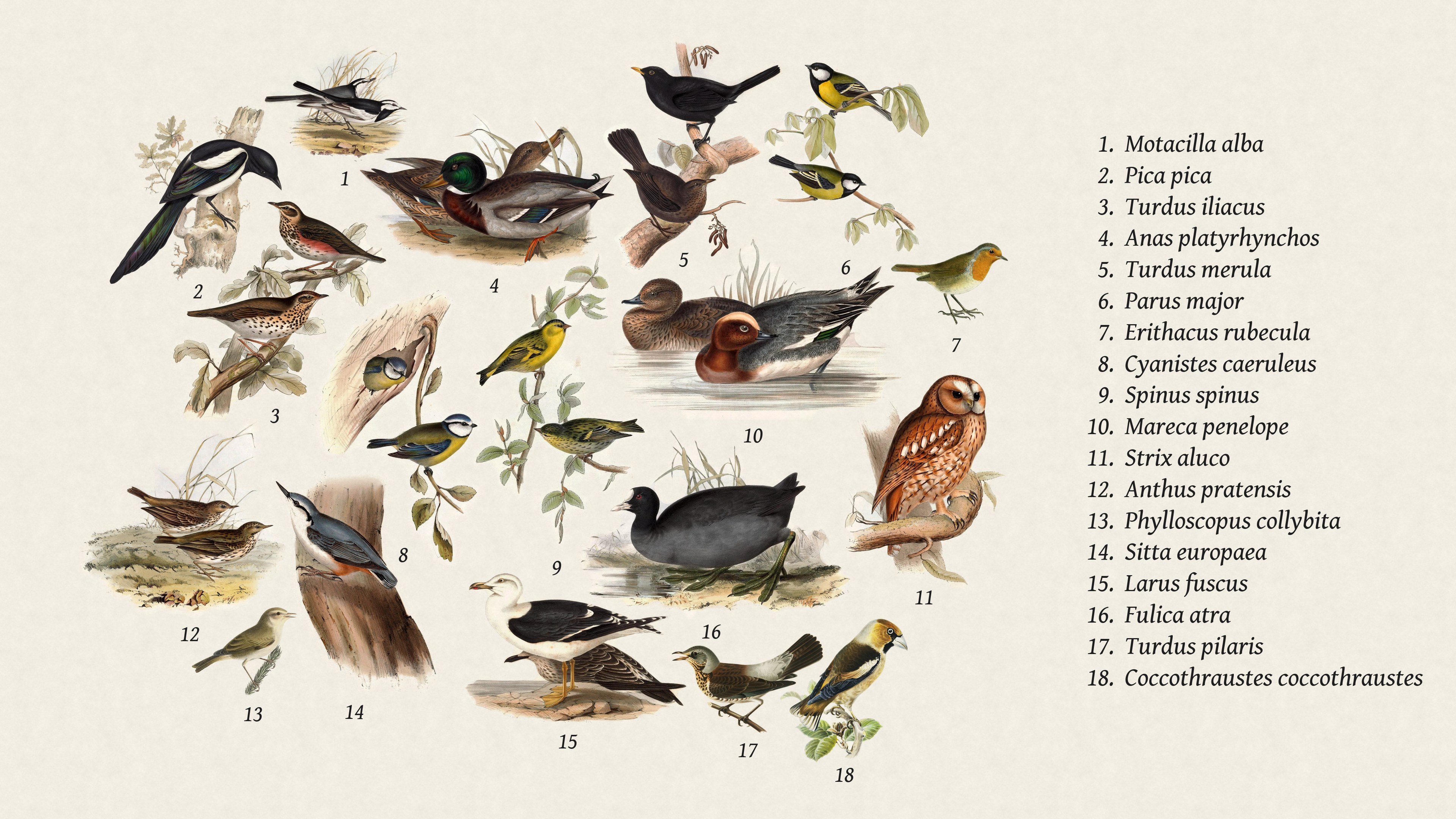
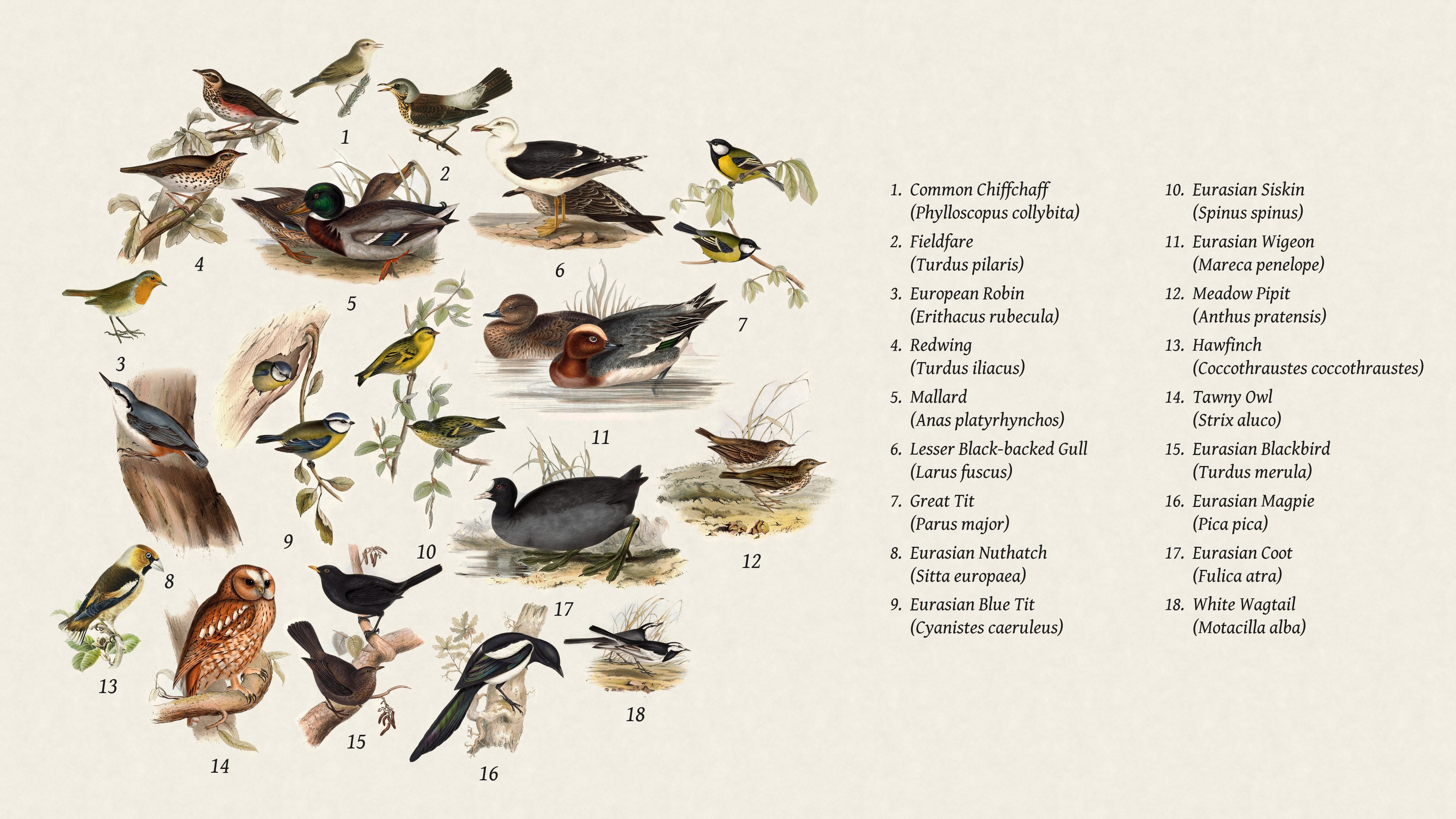
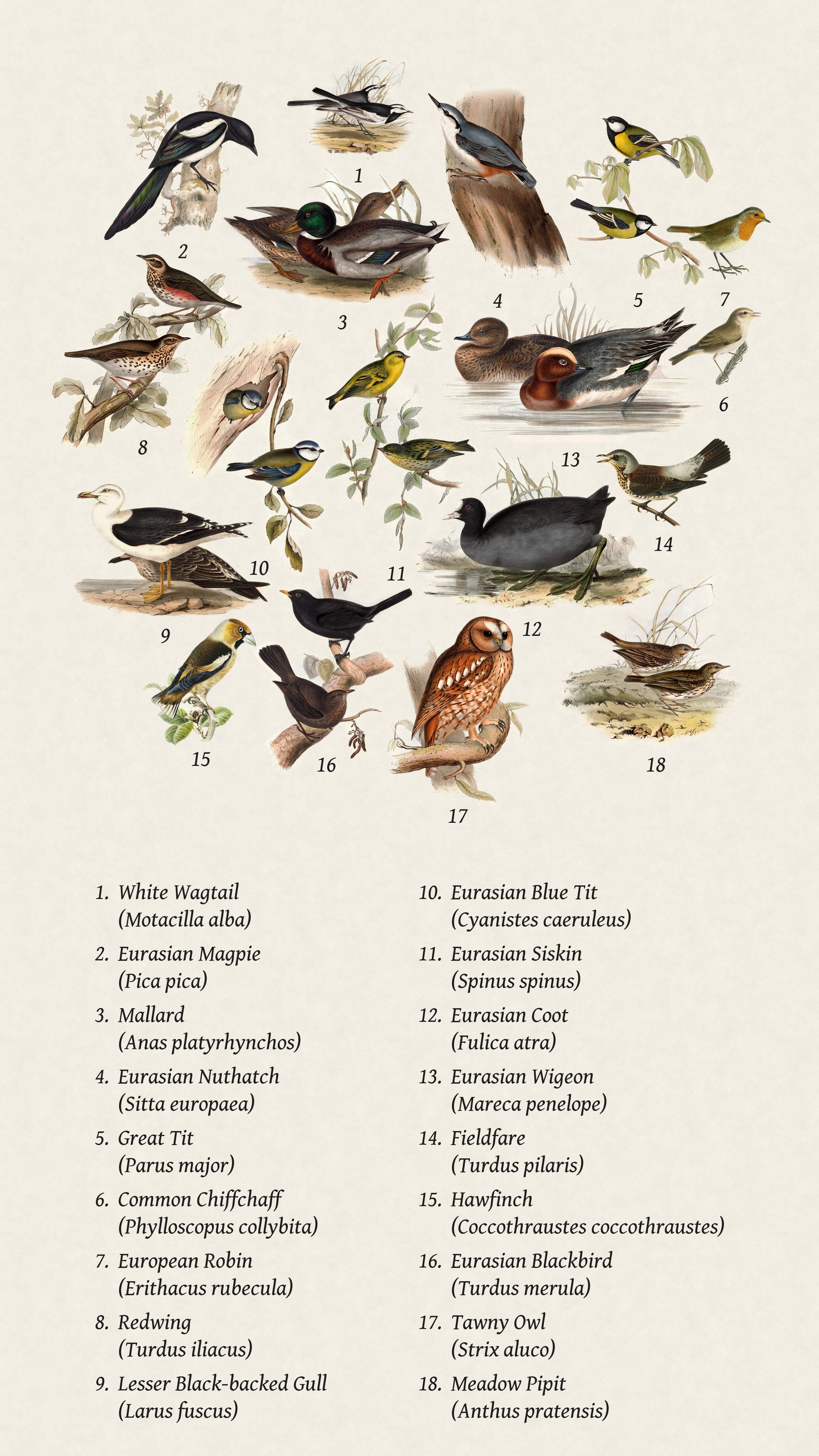
Numbered key (collage only) gives each bird a number and lists the names to the right in landscape, or below them in portrait, like a poster. (40 birds max, or whatever Species on the page is set to)
A bird the station has never heard before gets a star (★) after its name for its first 24 hours.
| No names | Names next to the birds | Two languages |
|---|---|---|
 |
 |
 |
| Numbered key | Numbered key, two languages | Numbered key, tall page |
|---|---|---|
 |
 |
 |