Fugleramme
Bird frame for Raspberry Pi or your homelab - real-time bird detection by audio, fully local AI, rendered as real, hand-cut 1800s bird illustrations. On an e-ink panel, a TV, or any screen.
A mic feeds BirdNET-Go, which runs the BirdNET classifier and owns all detection config. Fugleramme reads its detections and renders the recently-seen birds as a collage on an Inky Impression e-ink panel, or on any screen.
Fugleramme can install BirdNET-Go for you, or read from one you already run - on the same machine or elsewhere.
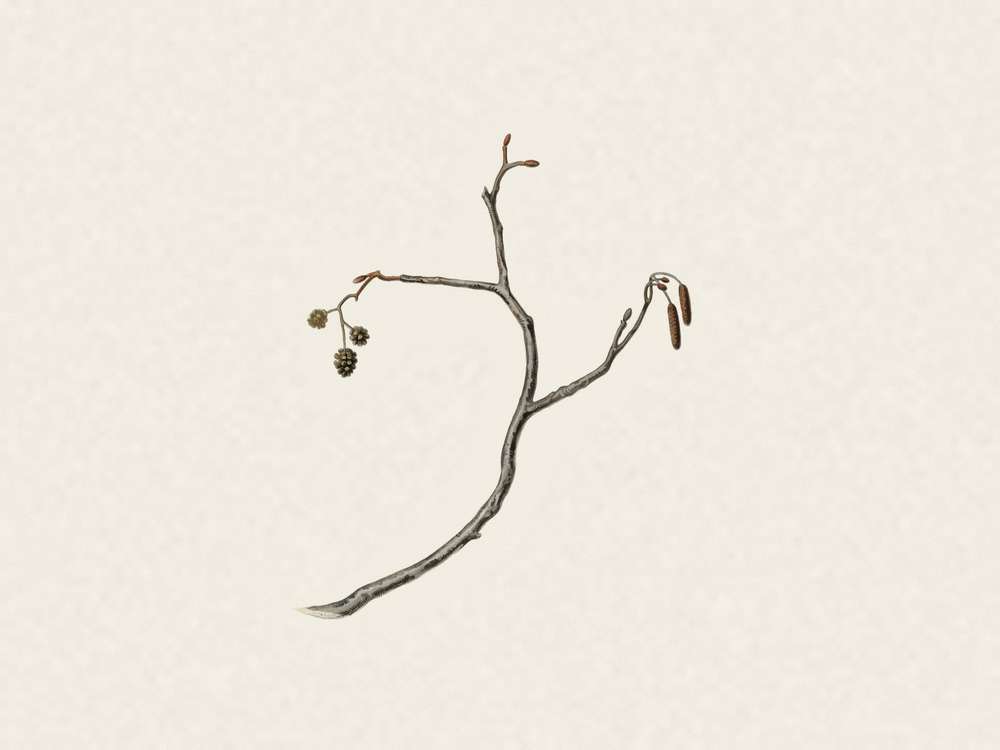
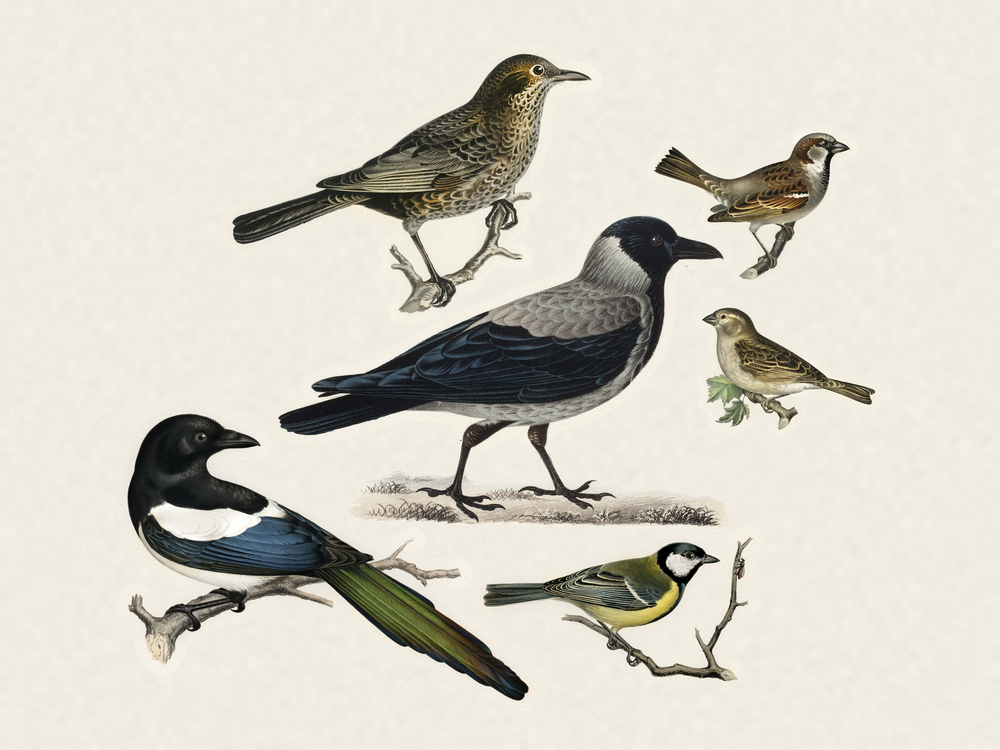
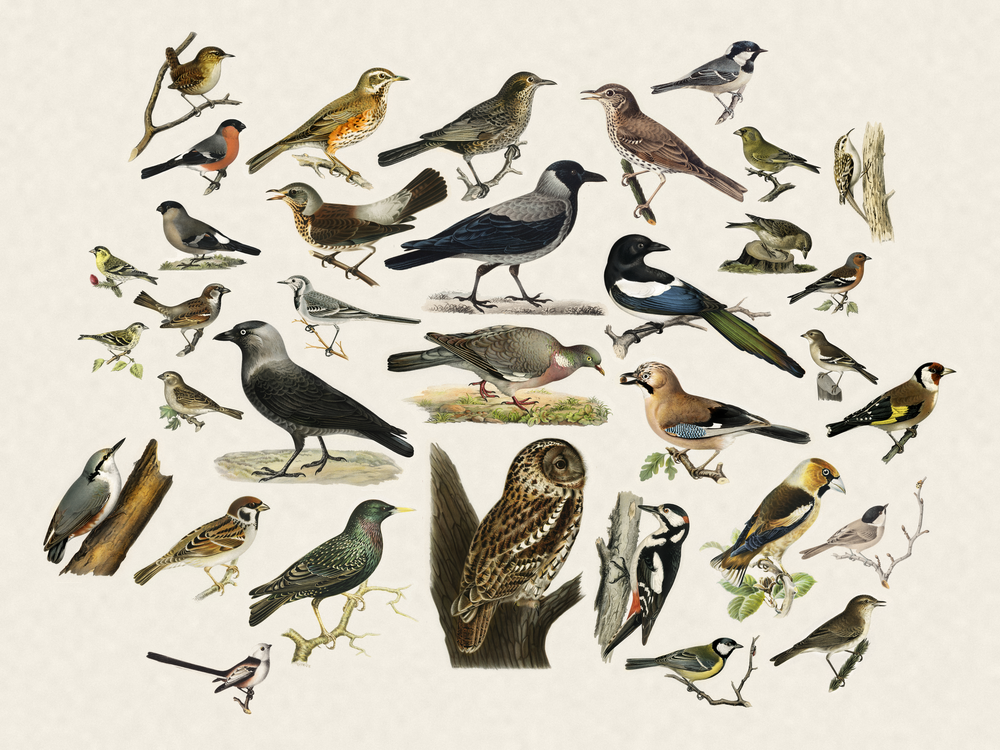
| No detections | A few visitors | A full garden |
|---|---|---|
 |
 |
 |
Tip
Live demo: fugleramme.arnegiacomo.dev shows the birds heard in my garden in Bergen, Norway, right now. More frames around the world in the Showcase.
The birds are cut-outs from historic, public-domain natural-history drawings, hand-curated for this project - nearly 1200 of them across over 650 species. Each detected species is matched to its illustration and packed onto a textured paper page - larger birds toward the centre, sized by real body mass.
For more display options see Display and Frame, and for TVs, HDMI and desktops Screens.
Bug reports and suggestions are very welcome on GitHub.
Docs
- Showcase - public frames people are running
- FAQ - Frequently asked questions
- Hardware - the parts list with alternatives
- Mounting - mounting the panel and the Pi in an IKEA frame
- Install - from a blank SD card to a running frame
- Configuring BirdNET-Go - the mic, your location, and avoiding incorrect detections
- Display - modes, settings and names
- Frame - panel refresh, web resolution and margin
- Languages - language support
- Screens - a browser, an HDMI screen, a TV or your desktop
- Operations - buttons, updates, ports, authentication and Wi-Fi
- Container - running Fugleramme with Docker
- Species coverage - searchable list of currently supported species
- Adding artwork - cutting a bird the frame can't draw yet
- Troubleshooting - symptom to cause
Note
These docs are written from macOS. Everything on the Pi itself is the same whatever you drive it from - it's the host-side steps, like Internet Sharing over the USB cable, that differ. If you set yours up from Linux or Windows, a PR extending them is very welcome.
Contact
Questions and ideas about the project belong in Discussions. For anything else, you can reach me through arnegiacomo.dev. I've built a few of these frames, but I currently don't have the capacity to build them for others.